How to play
Stack it. Test it. Make it stand.
Each plot asks for a height, gives you a budget of stones and sends one element. Build where it stands, then see what survives.
 01
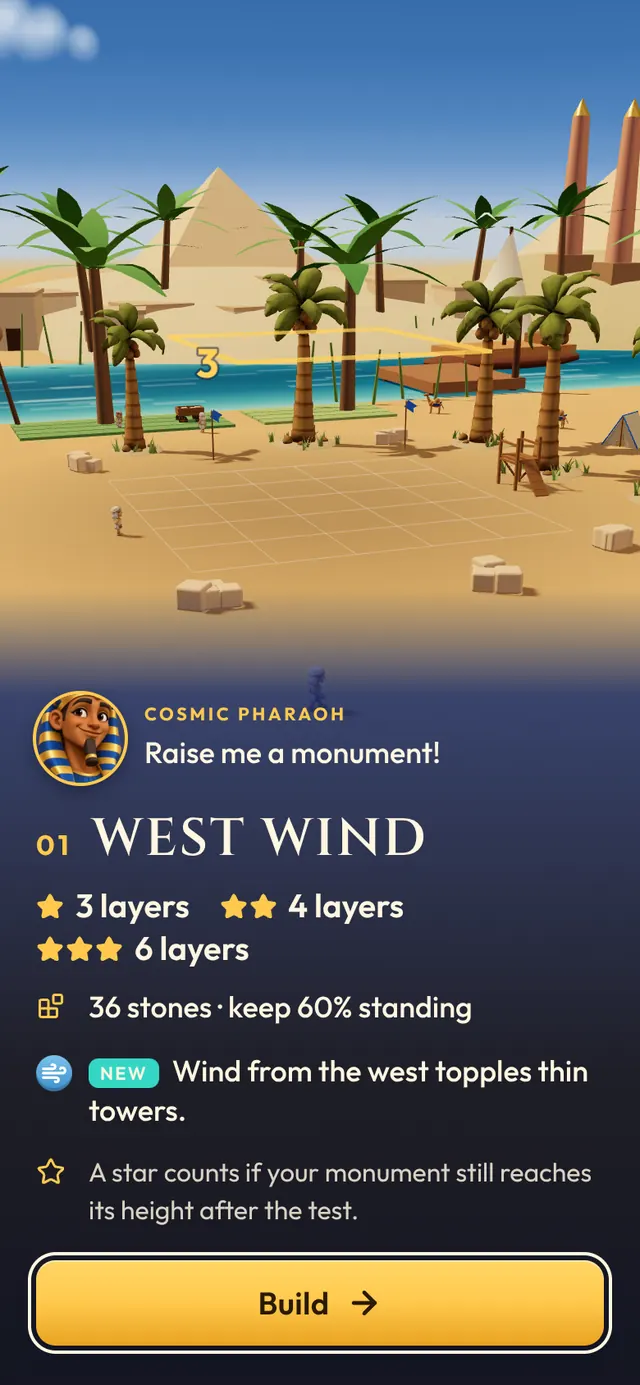
Read the Pharaoh’s request
The first time you open a plot, the Cosmic Pharaoh says what he wants: three heights for one, two and three stars, how many stones you have, and which element is coming. Help in the menu repeats it whenever you need.
 02
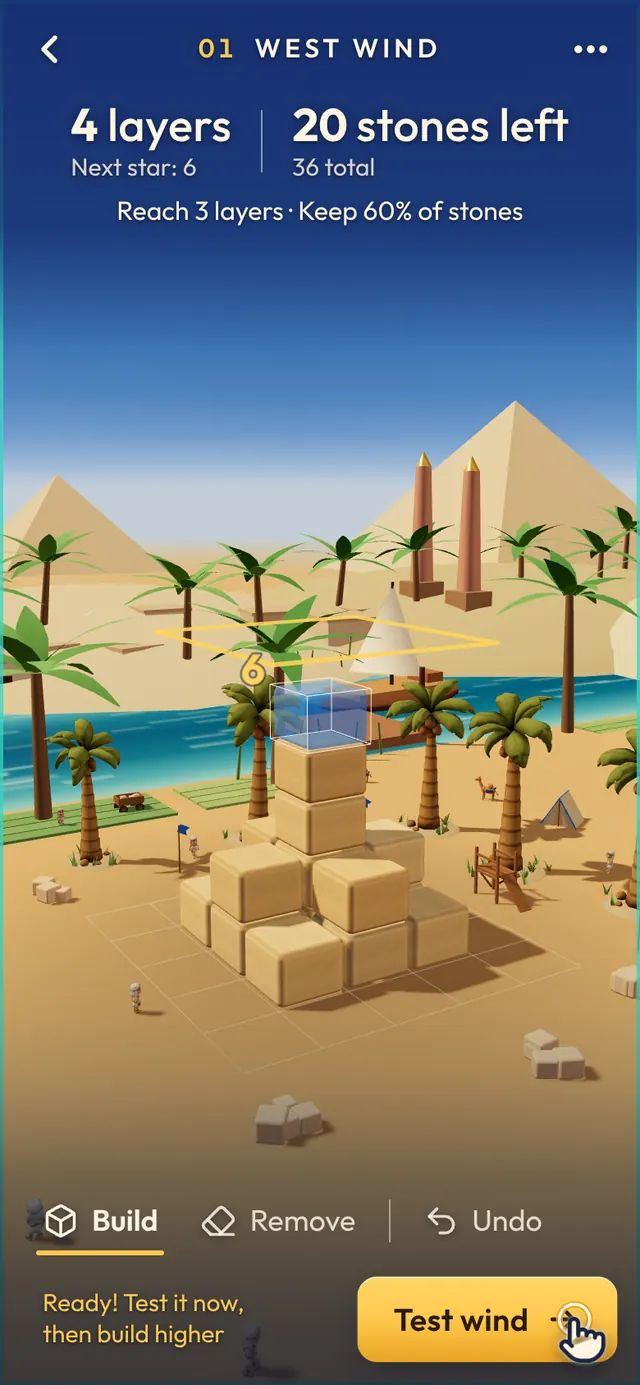
Build where it stands
The 3D site is the editor. With Build, a tap places a stone on a column; tap a stone to stack on it. With Remove, a tap takes a column’s top stone back. Undo takes back your last change. A blue stone shows where the next one goes, and a gold ring marks the next star’s height.
 03
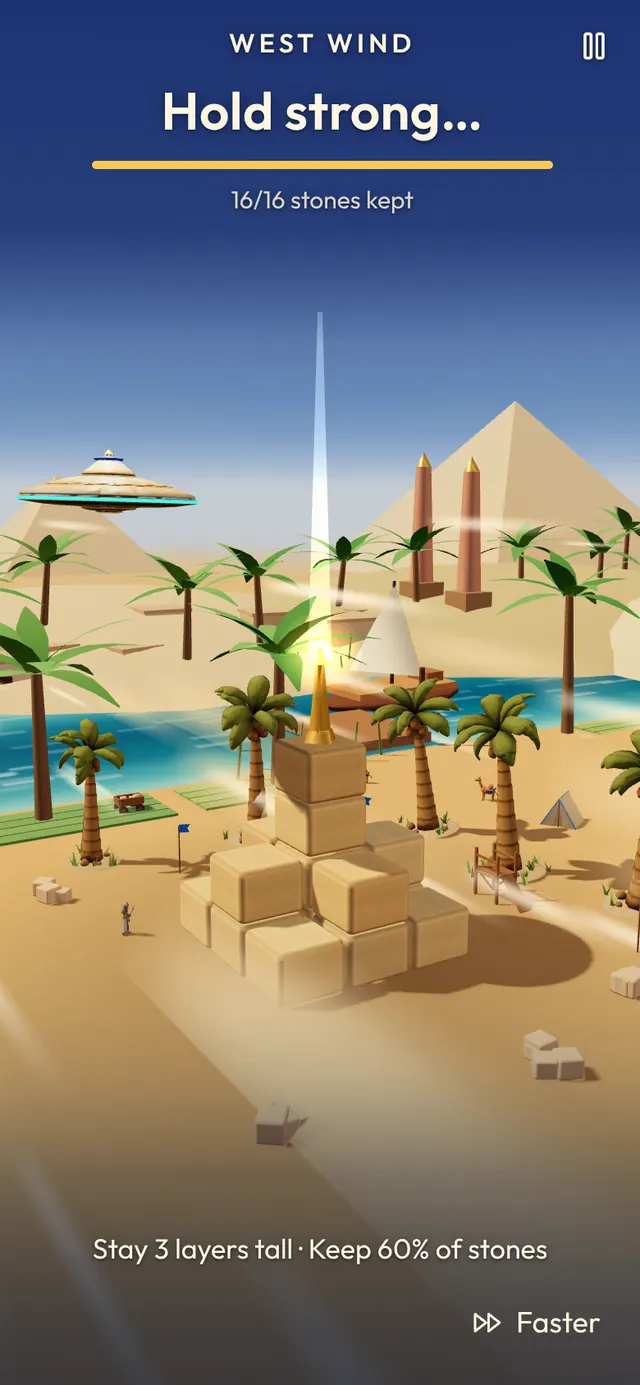
Let the Pharaoh test it
Once the monument reaches the first star’s height, the gold button names the test, such as Test wind. Wind blows from the west, shown by a pennant on the site; a flood rises to its marked line. Every plot’s test is the same each time you play it.
 04
Count what still stands
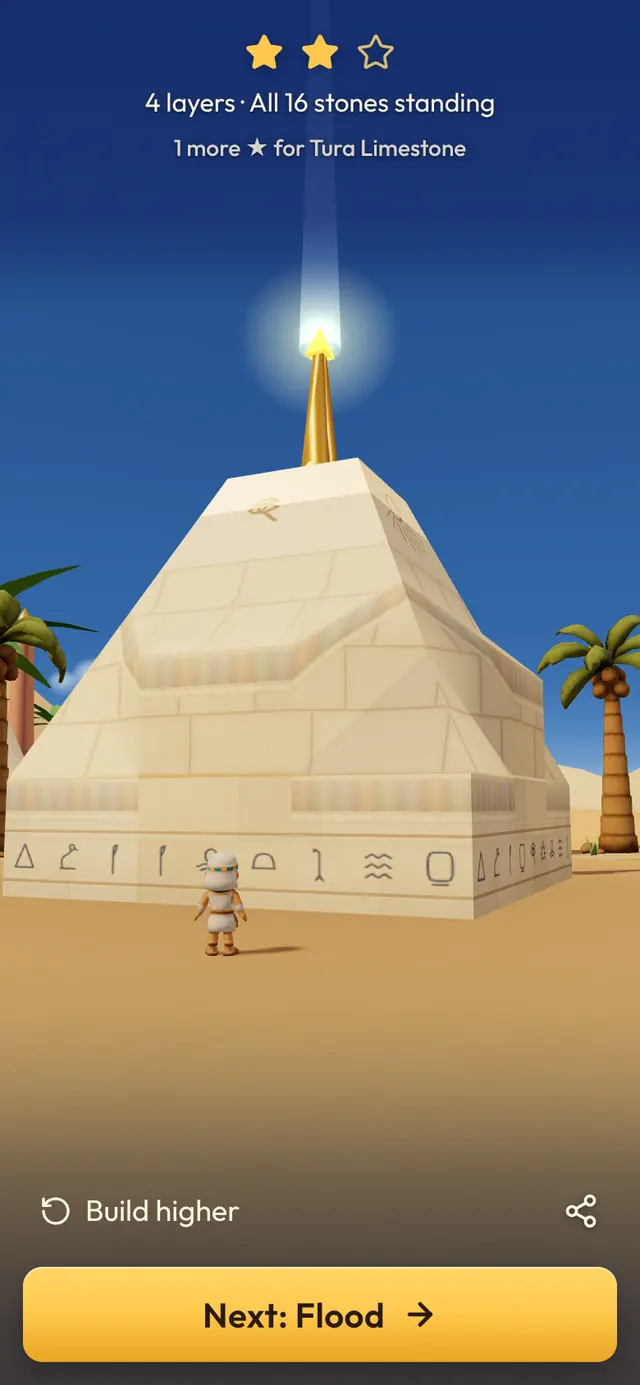
A star is a gold ring your monument still reaches after the test, with most of its stones kept. If it falls, Rebuild returns you to the same plot with one fix to try. If it stands, build higher for another star or go on to the next challenge.
Controls
Three tools, any device.
Touch
Tap to build or remove. Drag to look around the plot, pinch to zoom. A drag or pinch never places a stone.
Mouse
Click to use the tool. The right button removes. Drag to turn the view, scroll to zoom.
Keyboard
Arrows move the target, Enter uses the tool, Delete removes, R swaps tools, Q and E turn the view, B switches to a block of nine, Ctrl+Z undoes. P or Escape pauses a test.
Comfort
Reduced motion follows your device until you change it in Settings. Words stand on dark shades, and every control is at least 44 pixels.
Expert mode
Layer by Layer.
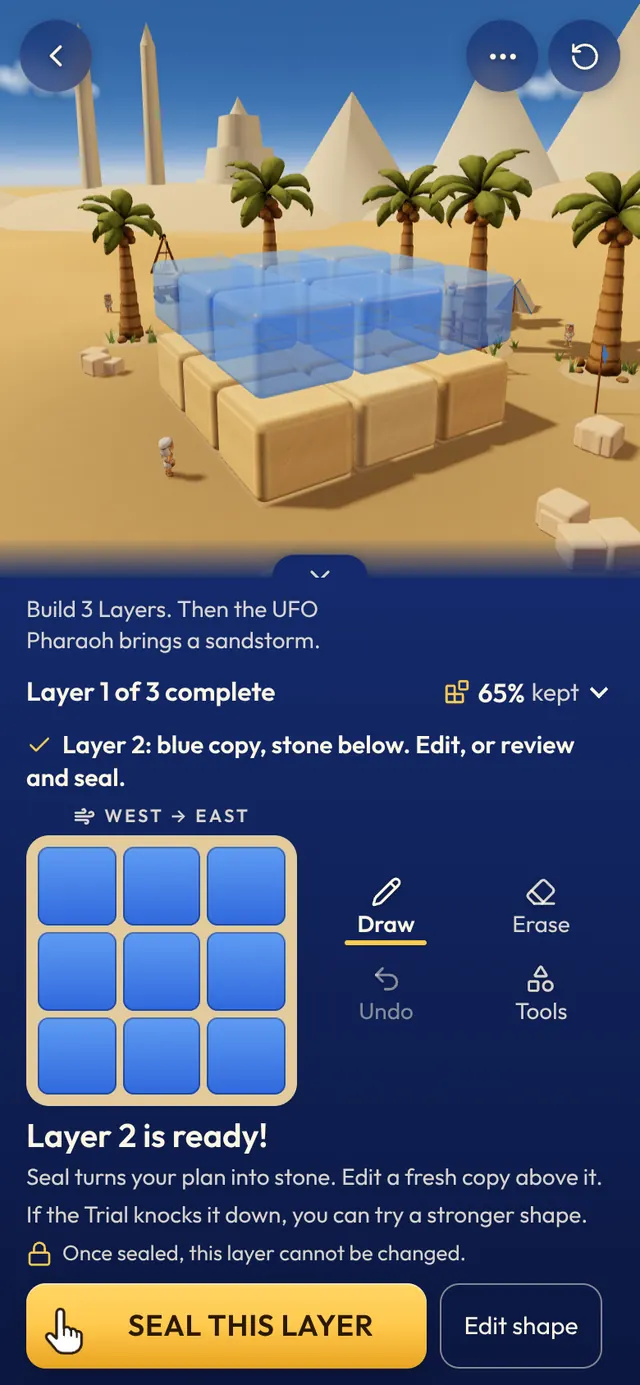
The original editor, for players who like to plan. You draw each Layer on a grid and the crew raises it in 3D.
 01
Plan, then seal
Draw the Layer with Draw, Erase and Undo, review it, then choose SEAL THIS LAYER. Once sealed, this layer cannot be changed. The next Layer starts as a copy of the last, ready to shape.
 02
Royal Works
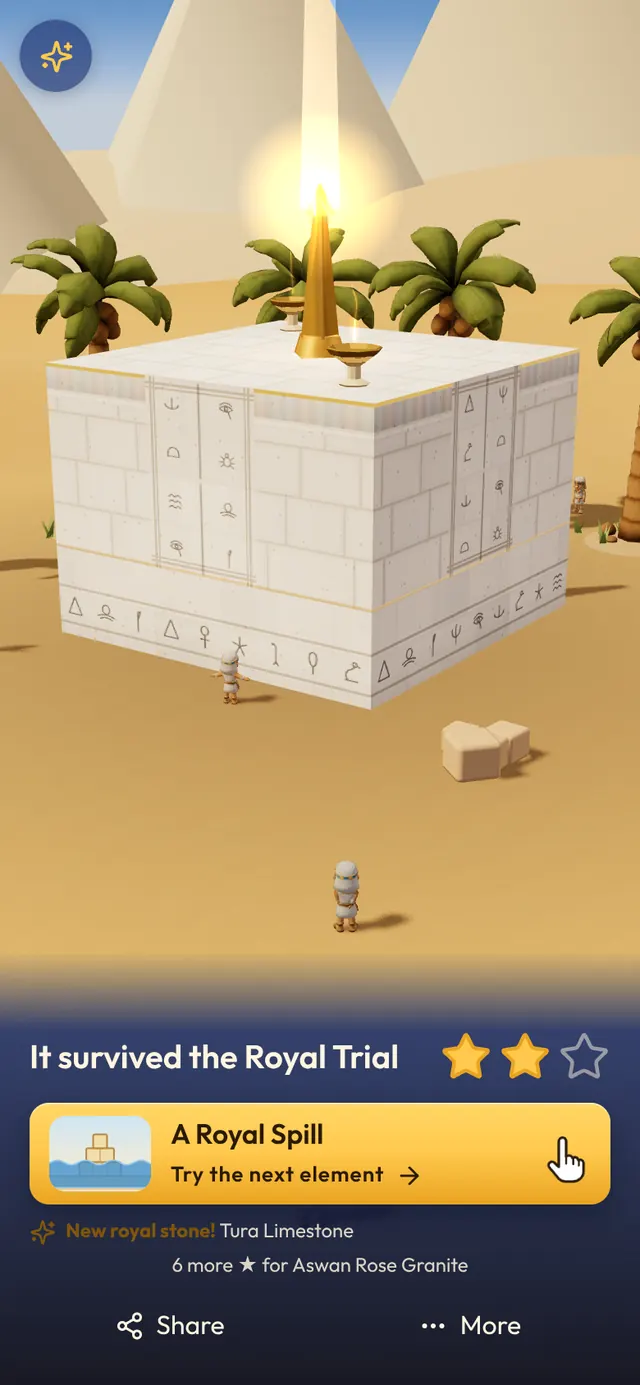
The campaign’s commissions each end in a Royal Trial: a sandstorm, a flood or a quake, told before you build. A monument that survives receives the Pharaoh’s finish, from the first stone to a dressed and carved casing.